
ADA Website Compliance: A Guide for Business Owners
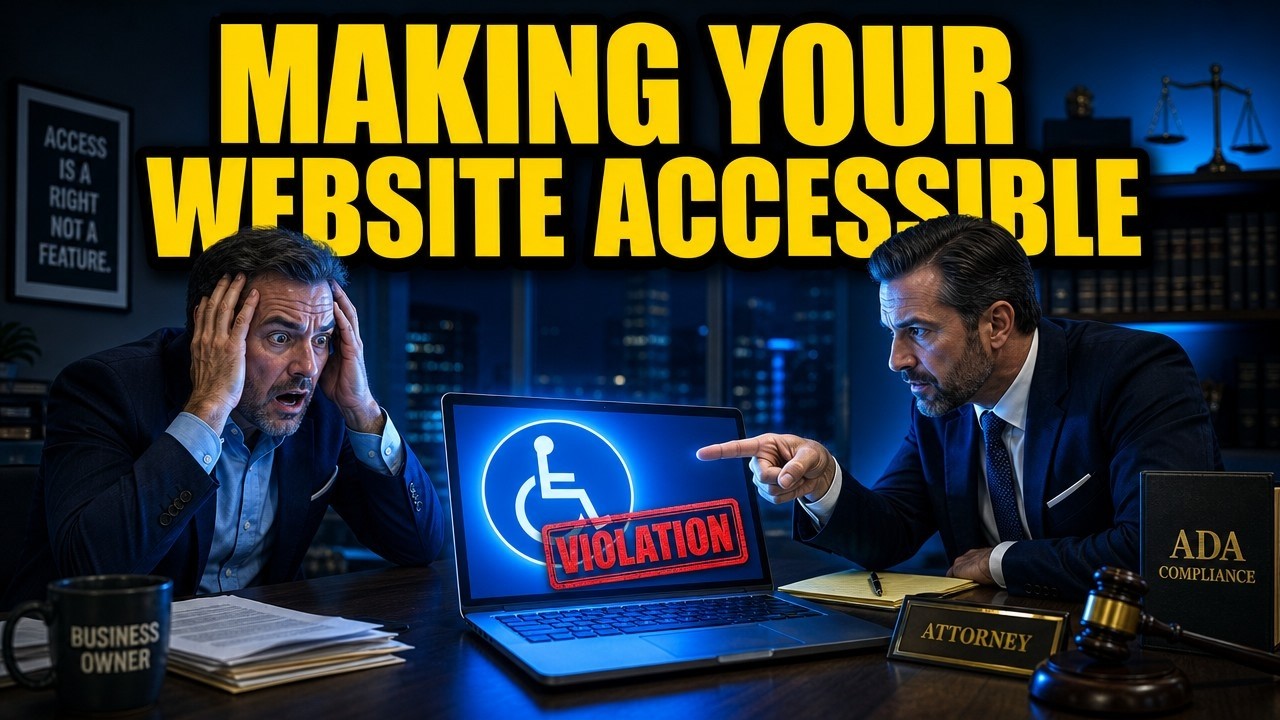
For many business owners, the first time they hear about the Americans with Disabilities Act (ADA) in a digital context is when they receive a demand letter or a lawsuit notification. If you find yourself in this position, you are not alone. Thousands of small to medium-sized businesses across the United States face legal challenges every year regarding the accessibility of their websites. This law firm has represented and assisted hundreds of those businesses.
The landscape of digital accessibility can feel overwhelming, especially when paired with the urgency of a legal threat. However, understanding ADA website compliance is the most effective way to resolve current issues and protect your business from future liability. This guide provides a clear, actionable overview of what compliance entails and how to achieve it efficiently.
Understanding ADA Website Compliance
Title III of the Americans with Disabilities Act prohibits discrimination on the basis of disability in "places of public accommodation." While the ADA was passed in 1990—long before the internet was a staple of commerce—courts and the Department of Justice (DOJ) have increasingly interpreted "places of public accommodation" to include websites.
This means that your business website must be accessible to people with disabilities. If a user with a visual, auditory, cognitive, or motor impairment cannot navigate your site or complete a transaction, your business may be violating federal law.
Why Small Businesses Are Targets
There is a misconception that only large corporations are targets for ADA lawsuits. In reality, small and medium-sized businesses are frequent targets because they often lack the internal resources or technical teams to maintain strict digital compliance.
Plaintiffs' attorneys often use automated scanning tools to identify websites that fail basic accessibility tests. If your site triggers these errors, you become a potential target for litigation.
The Standard for Compliance: WCAG 2.1
The ADA does not strictly define the technical standards for website accessibility. Instead, the DOJ and federal courts consistently point to the Web Content Accessibility Guidelines (WCAG) as the benchmark.
WCAG 2.1 (Level AA) is the globally accepted standard for digital accessibility. It outlines specific technical requirements that ensure content is accessible to a wide range of people with disabilities.
To achieve ADA website compliance, your site generally needs to meet criteria in four key categories, known by the acronym POUR:
Perceivable: Information and user interface components must be presentable to users in ways they can perceive (e.g., providing text alternatives for non-text content).
Operable: User interface components and navigation must be operable (e.g., all functionality must be available from a keyboard).
Understandable: Information and the operation of the user interface must be understandable (e.g., text is readable and predictable).
Robust: Content must be robust enough that it can be interpreted reliably by a wide variety of user agents, including assistive technologies.
Common Accessibility Violations to Fix Immediately
If you are concerned about ADA website compliance on your site, addressing the most common violations is a critical first step. These are the issues most frequently cited in demand letters and lawsuits.
1. Missing Alt Text on Images
Screen readers—software used by blind or visually impaired users—rely on "alt text" to describe images. If your images lack this description, a screen reader will simply announce "image" or a filename, rendering the visual content meaningless to the user.
The Fix: Ensure every image on your site has descriptive alternative text. For decorative images that convey no meaning, use an empty alt attribute so screen readers skip them.
2. Lack of Keyboard Navigation
Many users with motor disabilities cannot use a mouse. They rely on the "Tab" key to navigate through a website. If your website's menus, forms, or buttons cannot be accessed or activated using only a keyboard, your site is not compliant.
The Fix: Test your website using only your keyboard. You should be able to tab through every interactive element in a logical order and activate links or buttons using the "Enter" key.
3. Poor Color Contrast
Text that does not contrast sufficiently with its background is difficult or impossible for users with low vision or color blindness to read.
The Fix: Use a color contrast checker to ensure a ratio of at least 4.5:1 for normal text and 3:1 for large text. Adjust your design palette accordingly.
4. Inaccessible Forms
Online forms (contact forms, checkout pages, newsletter signups) are critical for business, yet often inaccessible. Common issues include missing labels for form fields or error messages that are only conveyed through color (e.g., outlining a box in red).
The Fix: Ensure every form field has a clear, programmatic label associated with it. Error messages should be provided in text, not just color indicators.
5. Missing Video Captions
If your website features video content, it must be accessible to users who are deaf or hard of hearing.
The Fix: Provide accurate closed captions for all pre-recorded video content. Auto-generated captions are often inaccurate and may not meet compliance standards; manual review is recommended.
Steps to Achieve and Maintain Compliance
Achieving ADA website compliance is not a one-time fix but a process. Here is a structured approach to mitigating your legal risk.
Step 1: Conduct a Comprehensive Audit
Automated scanning tools are useful for a quick check, but they only catch about 30% of accessibility issues. To fully understand your liabilities, you need a comprehensive audit that combines automated scanning with manual testing by accessibility experts. This is especially important if you are already involved in litigation, as you need a definitive report of your site's status.
Step 2: Implement Remediation
Once you have your audit results, prioritize fixing the barriers that prevent access. Your development team or an external agency should work through the WCAG checklist. Documenting your remediation efforts is crucial for legal defense; it demonstrates a good-faith effort to comply with the law.
Step 3: Publish an Accessibility Statement
An accessibility statement demonstrates your commitment to ADA website compliance. It should be linked clearly on your homepage and include:
A commitment to accessibility standards (usually WCAG 2.1 AA).
Contact information for users to report accessibility issues or request assistance.
Information about your ongoing efforts to improve the site.
While a statement alone does not prevent lawsuits, it provides a channel for users to resolve issues directly with you rather than resorting to legal action.
Step 4: Ongoing Monitoring and Training
Websites are dynamic. Every time you add a new product, blog post, or plugin, you risk introducing new accessibility barriers.
Monitoring: Use automated monitoring tools to scan your site regularly for new errors.
Training: Train your staff on the basics of accessibility. For example, ensure that whoever manages your content knows how to add alt text to images and structure headings correctly.
The Cost of Non-Compliance vs. Remediation
Business owners often hesitate to invest in compliance due to perceived costs. However, the cost of defense is almost always higher.
ADA lawsuits can result in significant financial burdens, including:
Plaintiff's Legal Fees: If you lose or settle, you are often required to pay the plaintiff's attorney fees, which can range from thousands to tens of thousands of dollars.
Settlement Costs: Damages paid to the plaintiff.
Your Own Legal Fees: The cost of hiring an ADA defense attorney to represent you.
Remediation Costs: Even after paying legal fees, you will still be legally required to fix your website.
By proactively addressing compliance, or quickly remedying issues upon receiving a complaint, you significantly reduce these financial risks. There are cost-effective solutions tailored for small businesses that can audit and fix your site without requiring a complete rebuild.
Protecting Your Business
If you have received a lawsuit or demand letter, do not ignore it. The timelines for responding are strict, and delay can limit your defense options.
Consult an Expert: Contact Law Offices of Nolan Klein immediately. We can assess the validity of the claim and guide your response strategy.
Start Fixing: Begin remediation efforts immediately. Showing that you are actively working to correct the issues can sometimes be leveraged in settlement negotiations.
Secure Your Future: Put a plan in place for long-term maintenance to ensure you do not face repeat lawsuits.
ADA website compliance is a legal necessity, but it is also a sound business practice. If you need guidance on how to make your website ADA compliant, or if your are already facing and ADA website complinace legal issue, contact our law firm today.
















Great breakdown of why website accessibility should be treated as an ongoing process rather than a one-time fix. I especially like the focus on manual testing, accessible forms, keyboard navigation, and regular monitoring; these are often overlooked when businesses rely solely on automated scans. A clear accessibility plan, along with a compliance certificate, can also help businesses demonstrate their commitment to maintaining an accessible digital experience.
Thank you for this incredibly clear and practical guide. As a business owner, the legal landscape around ADA compliance can feel daunting, but this article breaks it down in a way that's both actionable and reassuring. I really appreciate the specific "fixes" for common violations and the step-by-step approach to remediation—it makes a potentially overwhelming process feel manageable. The emphasis on ongoing monitoring and training is especially helpful, as it's easy to forget that compliance isn't a one-and-done task. Thank you for demystifying this and providing such a valuable resource for small businesses like mine.
i absolutley understand that there are some websites that provide critical services that people need. But if you are a restaurant that you can order via phone as well as via web how much of an inconvenience is it to someone who is inconveneiced via a websie
I also think that poeple have no idea how diffciulty it is to make sure a website works for on every browser ever screen the correct way. basically attacking a company for not being perfect and using the legal sytem to extort them is exactly that extortion.
this is a law that has good intention but is very heavy handed and i having recieved a demand letter will elect to close the website…
Accessibility matters because people should be able to use important online services without confusion or barriers. I think that point applies especially strongly to financial websites, where clarity, readable design, and simple navigation affect trust from the first visit. When someone is exploring options like Quick Personal Loans, the experience should feel direct, transparent, and easy to follow. For me, good compliance is not only about avoiding legal issues; it is also about showing respect for users and making essential information available to everyone. A financial site works better when it combines accessibility, speed, and a clear path to the support people need.
Ensuring ADA compliance is crucial for protecting businesses and providing accessible digital experiences. Similarly, implementing devsecops solutions can help organizations maintain secure, reliable, and compliant software systems, integrating best practices across development and operations to reduce risks and ensure smooth, efficient workflows.